Best Rust Server Hosting in 2026 – Top 5 Picks
Looking for the best Rust server hosting in 2026? We compared the top
providers — performance, price and support — so you don’t have to. Rust is one of the most resource-intensive
multiplayer games around — it demands fast CPUs, generous RAM, and solid
DDoS protection. Whether you’re hosting a private server for friends or
running a large modded community, these are the three best Rust server
hosting options available right now, ranked by performance, price, and
support. Also check out our best Minecraft server hosting guide if you
play both games.
Best Rust Server Hosting 2026
Ranked — Performance, Price & Mod Support
Best Rust Server Hosting in 2026 — Top 5 Picks
Rust is one of the most demanding multiplayer games to host — it needs fast single-core CPU performance, plenty of RAM, and reliable DDoS protection. After comparing performance, support, and value for money, here are the five best Rust server hosting providers available right now:
Physgun
Overclocked Ryzen 9 9950X + exclusive Rust God Tools. The ultimate performance pick.
PineHosting
Great all-rounder. Wipe scheduling, one-click Oxide/Carbon installer, solid support.
Shockbyte
Official Rust partner. Reliable, beginner-friendly, global data centers.
SparkedHost
Best price-to-performance. Ryzen 9 hardware at competitive prices.
BisectHosting
Best for large communities. Up to 48GB RAM, scales easily.
Physgun
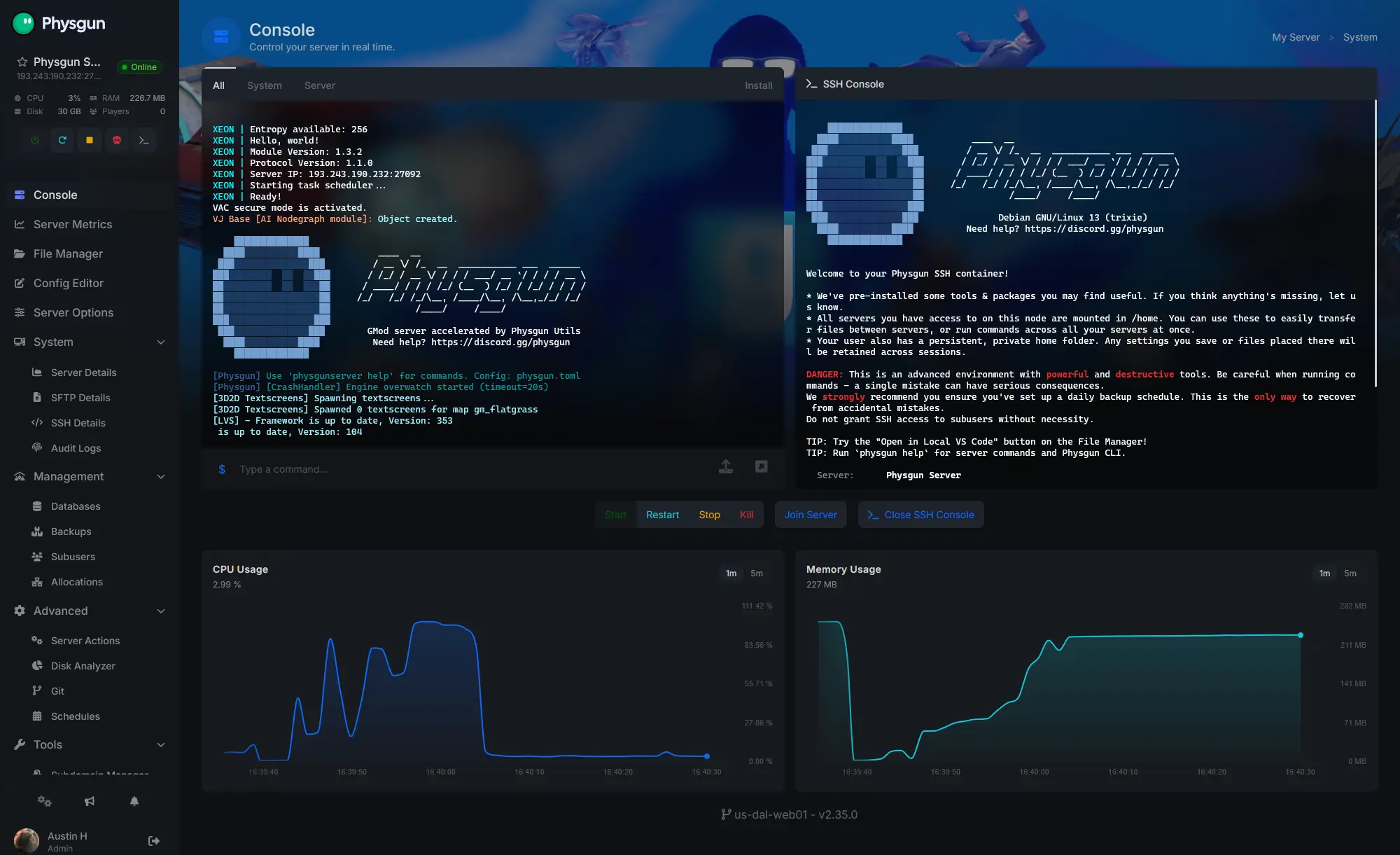
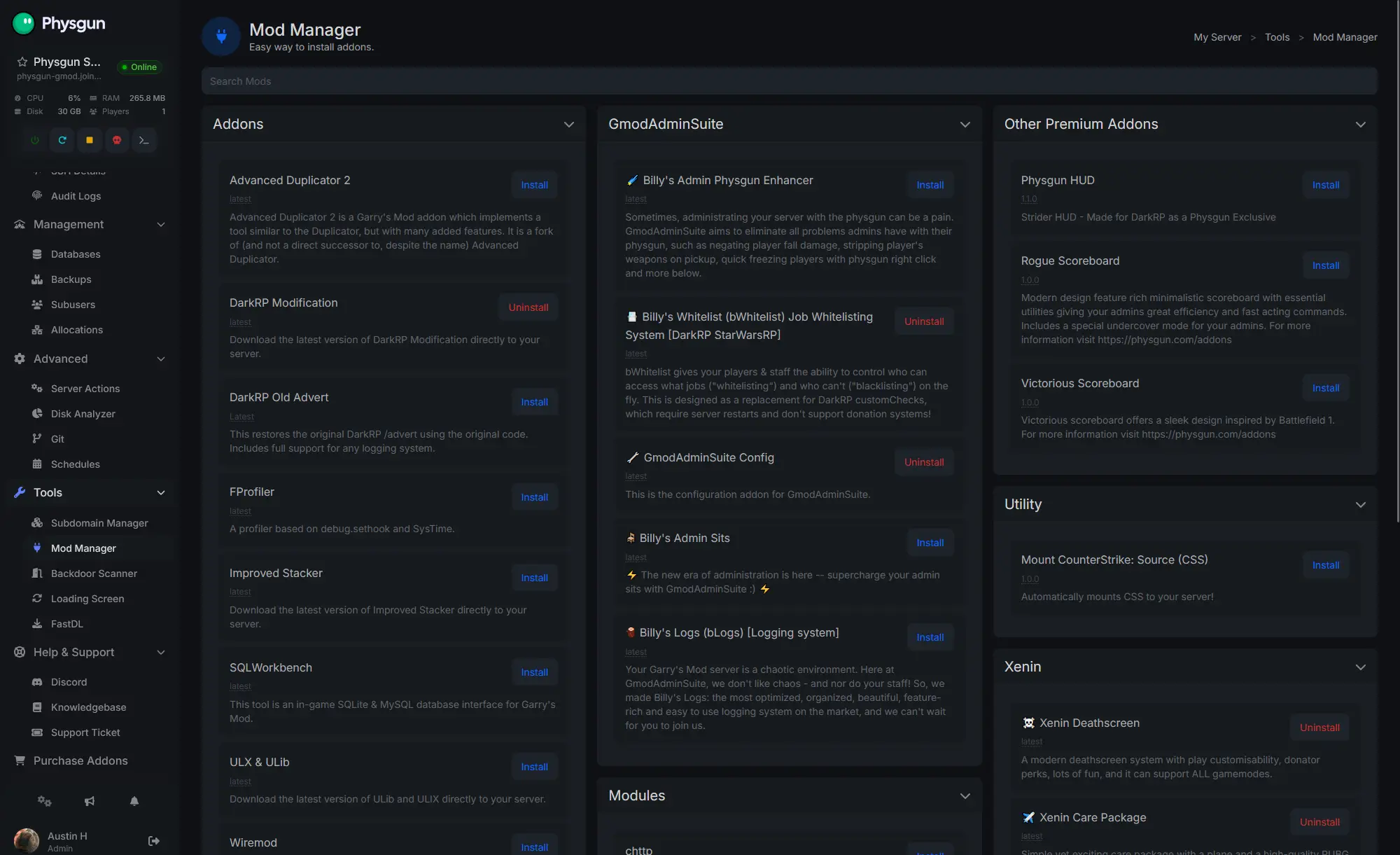
Best overall Rust server hosting for 2026gamesvalues for 30% off your first month (one-time use)Physgun takes the #1 spot as the best Rust server hosting provider in 2026, and for good reason — they’ve built their entire infrastructure specifically around eliminating the bottlenecks that plague Rust servers. Their Starter plan begins at $19.87/month for 10GB RAM and 50+ players, running on overclocked Ryzen 9 9950X CPUs with DDR5 memory — exactly the kind of high single-thread performance Rust demands during massive raids and wipe-day traffic.
What truly sets Physgun apart is Rust God Tools, an exclusive in-house suite that includes a fully interactive realtime live map, player manager, and raid monitoring — features you simply won’t find at other hosts. Add a one-click uMod/Carbon plugin installer, Layer 7 DDoS protection, a custom control panel, and genuinely human 24/7 support (no AI chatbots), and it’s clear why Physgun has served over 50,000 clients with a 4/5 Trustpilot rating.
✅ Pros
- Overclocked Ryzen 9 9950X — top-tier single-thread for Rust
- Exclusive Rust God Tools (live map, player manager, raid view)
- One-click uMod/Carbon plugin installer
- Layer 7 DDoS protection with automatic failover
- Real 24/7 human support — no AI chatbots
- 50,000+ clients served, 99.9% uptime
❌ Cons
- Highest starting price of all 5 hosts
- Only 3-day refund window
- Entry plan still needs an upgrade for 100+ player servers
PineHosting
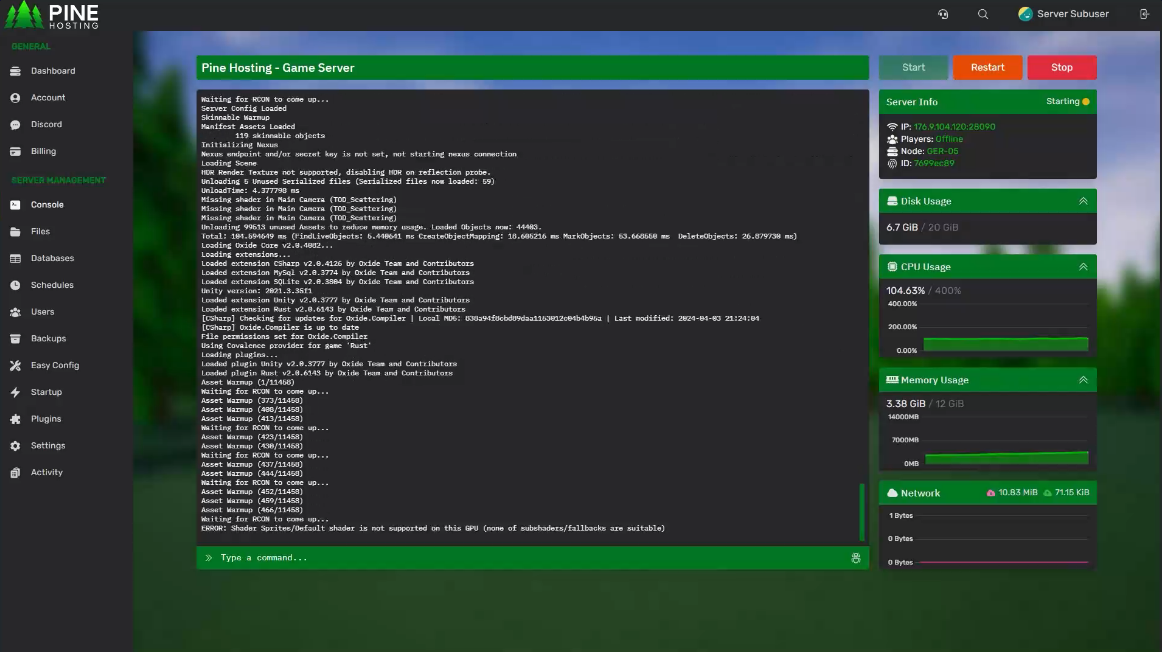
Best all-round Rust hosting with built-in wipe toolsPineHosting earns the #2 spot as a fantastic all-around Rust server host. Plans start around $14.99/month and scale based on player slots and resources, so solo admins and big clans alike only pay for what they need. Their custom game panel was built specifically with Rust admins in mind, featuring automated wipe scheduling, a one-click Oxide/Carbon installer, plugin management, and an easy config manager — all accessible from any device.
Beyond the panel, PineHosting includes instant server deployment, full FTP access for custom maps, and DDoS protection on all plans. Servers are optimized specifically for Rust’s demanding gameplay, delivering low ping and reliable performance even during peak battles and large base raids. Their 24/7 technical support team is well-versed in mod installs, performance tweaks, and wipe troubleshooting — backed by strong reviews on Trustpilot and Google.
✅ Pros
- Custom panel built specifically for Rust admins
- Built-in automated wipe scheduling
- One-click Oxide/Carbon plugin installer
- Pay only for the slots/resources you need
- Full FTP access for custom maps and mods
- Strong 24/7 support reputation
❌ Cons
- Slightly pricier entry point than Shockbyte/SparkedHost
- Smaller brand recognition than the bigger hosts
- Fewer published hardware specs than competitors
Shockbyte
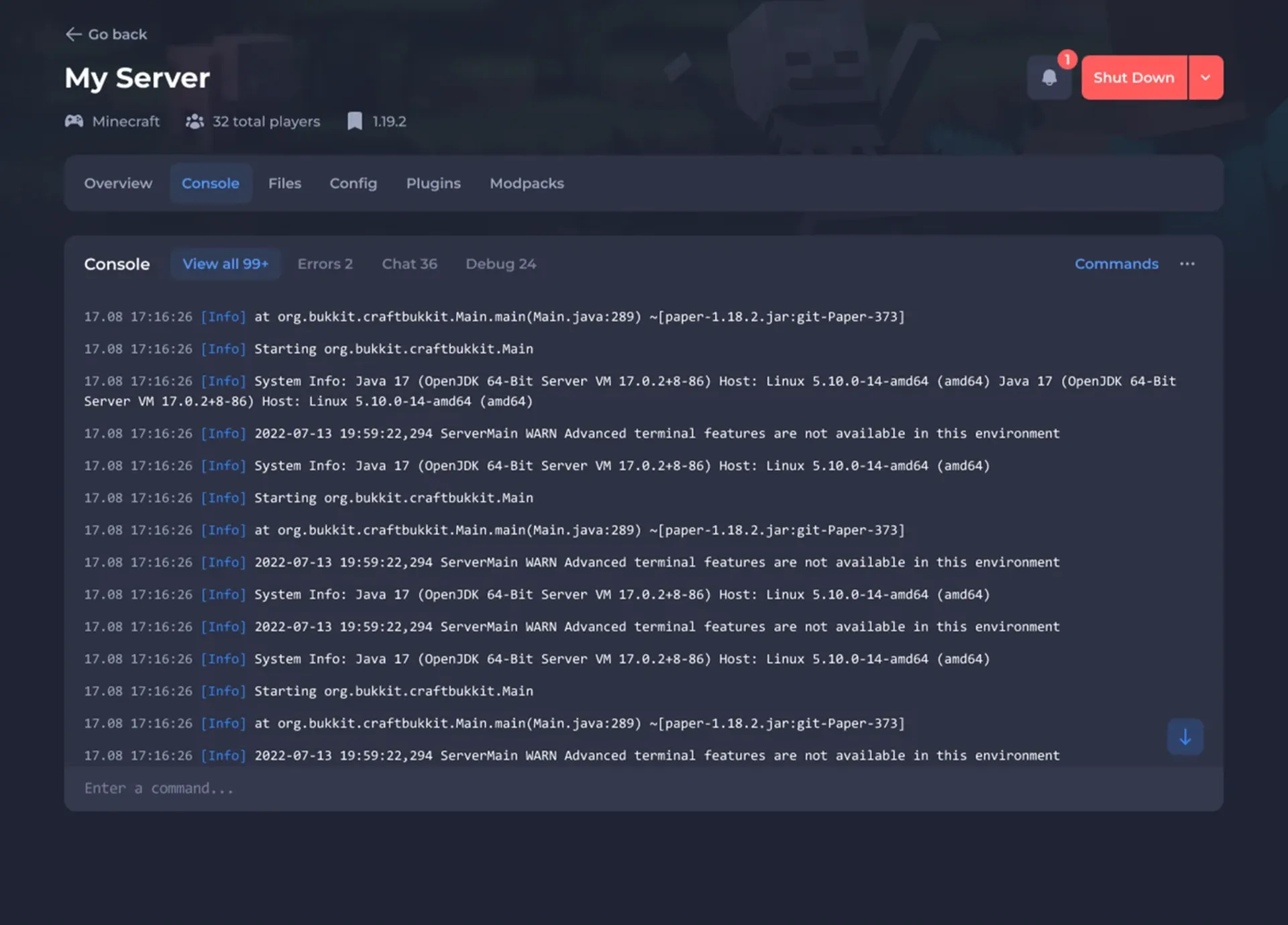
Most reliable, beginner-friendly Rust hostingShockbyte takes the #3 spot as one of the most established names in game server hosting. Founded in 2013, they’ve hosted over half a million servers. Their Rust plans start at $10/month for 4GB RAM and 50 slots, with full support for Oxide and uMod plugins out of the box — no manual installation needed.
What makes Shockbyte a great pick for Rust is their combination of instant setup, automatic updates, solid DDoS protection up to 1 Tbps+, and data centers across North America, Europe, Asia, and Australia. Their custom control panel makes server management intuitive even for first-time Rust admins, and their 24/7 live chat support actually knows Rust — they’ll help you configure Oxide, set up wipe schedules, and troubleshoot plugins.

✅ Pros
- 13+ years of experience — extremely reliable
- Full Oxide & uMod support out of the box
- Automatic updates & wipe scheduling
- Global data centers — low ping worldwide
- 24/7 live chat support with Rust knowledge
- Custom control panel — easy to manage
❌ Cons
- Entry plan (4GB) is minimum viable for Rust
- Performance can vary on shared-resource plans
- Not the cheapest option per GB
SparkedHost
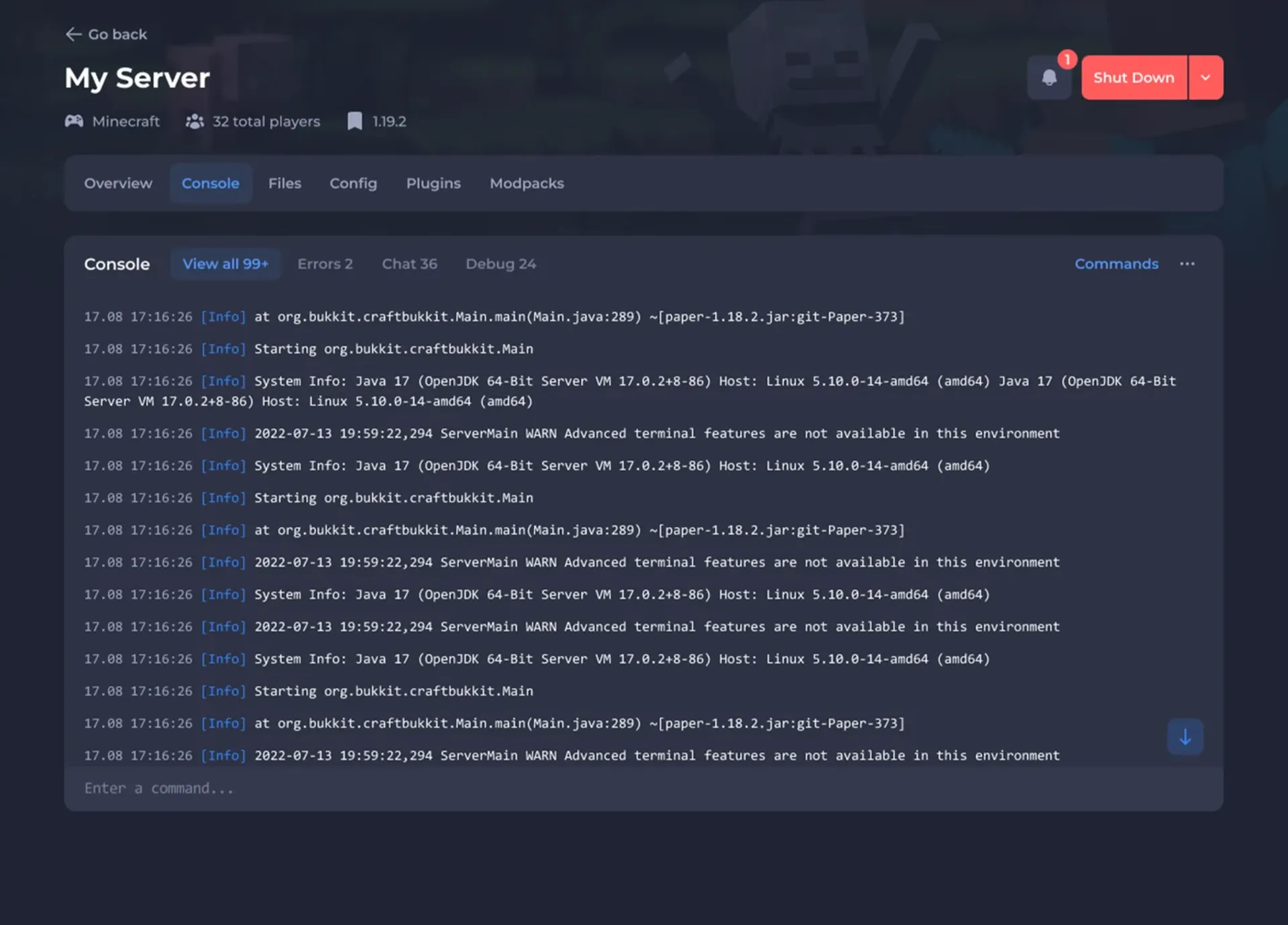
Best price-to-performance Rust server hostingSparkedHost takes the #4 spot with the best price-to-performance ratio for Rust hosting. Their Rust Standard plan starts at $9/month for 6GB RAM and 50 slots — that’s more RAM at a lower price than most competitors. Running on AMD Ryzen 9 7950X CPUs (one of the highest single-thread performance chips available), SparkedHost’s hardware is particularly well-suited for Rust, which is heavily single-thread bound.
Founded in 2017, SparkedHost has grown to host over 100,000 servers and supports 30+ games including Rust, ARK, Valheim, and more. Their Apollo control panel is clean and intuitive, and they offer automatic backups, DDoS protection, and full mod support across all plans. Budget-conscious server owners who still want top-tier hardware will find SparkedHost hard to beat.

✅ Pros
- Best price-to-performance — more RAM for less
- Ryzen 9 7950X — ideal single-thread for Rust
- 6GB entry plan vs 4GB at most competitors
- Custom Apollo panel — very easy to use
- Full Oxide/uMod & map support
- Auto backups on all plans
❌ Cons
- Fewer global locations than Shockbyte
- DDoS protection not available in all locations
- Only 48-hour refund window
BisectHosting
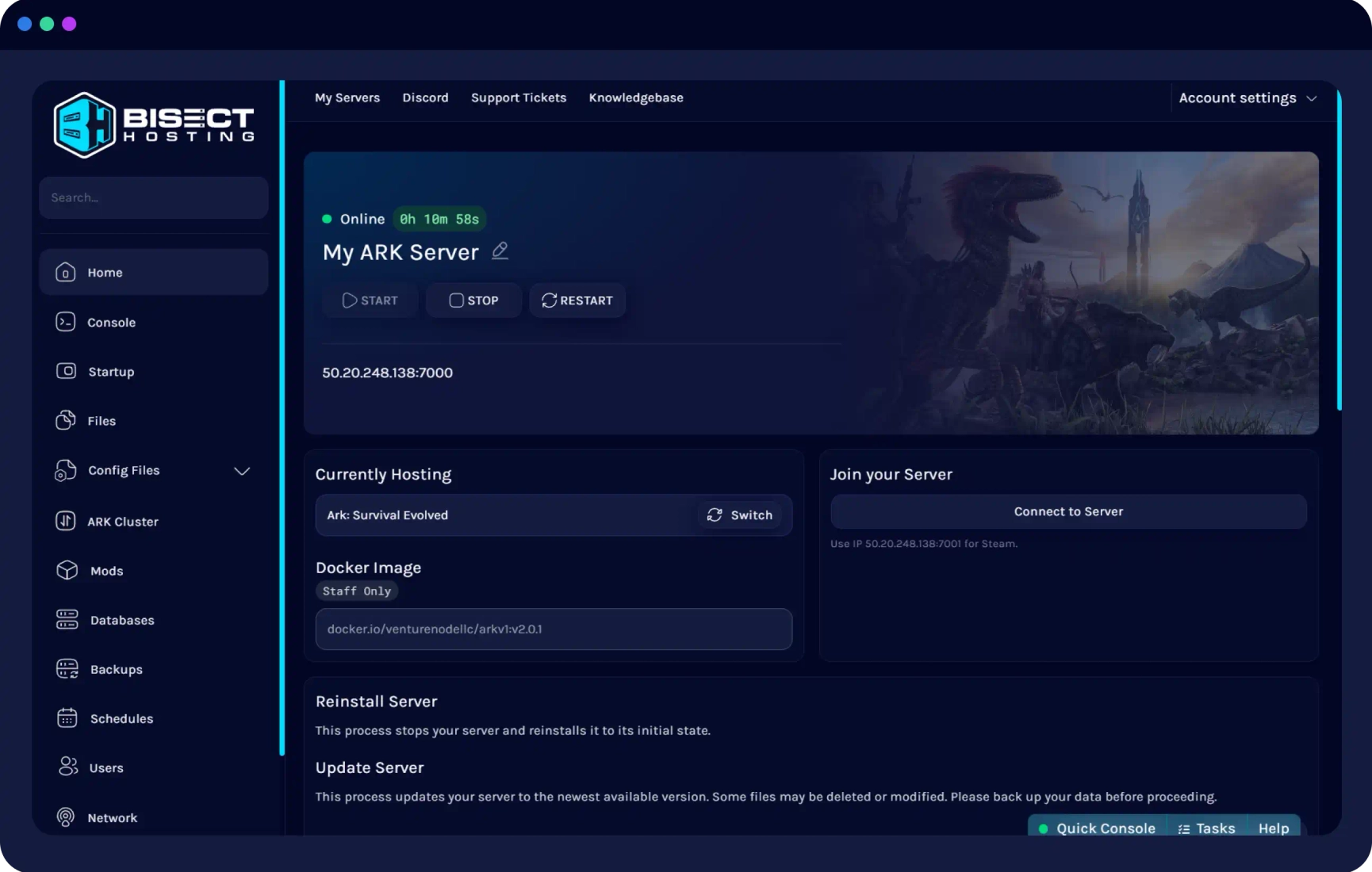
Best Rust hosting for large communitiesBisectHosting rounds out our top 5 as the best Rust server hosting option for larger, established communities. Their Rust plans start at $15.98/month for 6GB RAM and 100 slots, and scale all the way up to 48GB RAM with 16-core CPUs — making them the most scalable option on this list for high-traffic servers running complex Oxide setups, custom maps, and hundreds of concurrent players.
Founded in 2012, BisectHosting has an excellent track record and supports both uMod (Oxide) and Carbon modding frameworks — giving Rust admins more flexibility than most hosts. Global data centers across North America, Europe, Asia, and Australia keep latency low for international communities. Their control panel is beginner-friendly and includes scheduled wipe automation, which is essential for any active Rust server.
✅ Pros
- Best for large communities — scales to 48GB RAM
- Both uMod AND Carbon framework support
- Built-in wipe scheduler
- 100 slots on the entry plan
- Established since 2012 — very reliable
❌ Cons
- Most expensive entry price among the budget options
- Promotional pricing renews at higher rate
- Shared CPU plans can lag under heavy load
Quick Comparison: Best Rust Server Hosting 2026
| Feature | 🥇 Physgun | 🥈 PineHosting | 🥉 Shockbyte | #4 SparkedHost | #5 BisectHosting |
|---|---|---|---|---|---|
| Starting price | $19.87/mo | $14.99/mo | $10.00/mo | $9.00/mo | $15.98/mo |
| Entry RAM | 10GB | Scales w/ slots | 4GB | 6GB | 6GB |
| Max RAM available | 24GB+ | Custom/scalable | 16GB+ | 32GB+ | 48GB |
| CPU hardware | Overclocked Ryzen 9 9950X | Modern CPUs | Ryzen / EPYC | Ryzen 9 7950X | Intel i9 / Xeon |
| Oxide / uMod / Carbon | ✓ + Rust God Tools | ✓ One-click installer | ✓ Included | ✓ Included | ✓ + Carbon |
| Wipe scheduler | ✓ Built-in | ✓ Built-in | ✓ Built-in | – | ✓ Built-in |
| DDoS protection | Layer 7 + failover | ✓ Included | 1 Tbps+ | ✓ Included | ✓ Included |
| 24/7 live support | ✓ Human, no AI | ✓ | ✓ | ✓ | ✓ |
| Best for | Max performance | Wipe automation | Beginners | Best value/price | Large communities |
How Much RAM Do You Need for a Rust Server?
Rust is one of the most RAM-hungry games to host. Here’s a quick guide to sizing your server correctly for the best Rust server hosting experience:
Frequently Asked Questions About Rust Server Hosting
What is the best Rust server hosting for beginners? ▼
Is Physgun worth the higher price for Rust hosting? ▼
Does Rust server hosting support Oxide and uMod plugins? ▼
How often do Rust servers need to wipe? ▼
Can I use custom maps on hosted Rust servers? ▼
What’s the difference between Rust hosting and Minecraft hosting? ▼