Best Palworld Server Hosting in 2026 – Top 3 Picks
Looking for the best Palworld server hosting in 2026? We compared the top providers — performance, price and support — so you don’t have to. Palworld is a surprisingly demanding game on the server side — it needs a fast single-thread CPU, generous RAM, and solid NVMe storage to handle your base, your pals, and multiple players without lag spikes or constant server crashes. These are the three best game server hosting options for Palworld right now.
Best Palworld Server Hosting 2026
Top 3 Providers Ranked
Quick Comparison: Top 3 Palworld Hosts
Here’s how the three best Palworld hosting providers stack up at a glance. Prices change frequently, so treat them as a starting point and confirm on the provider’s site.
| Rank | Provider | Starting Price | Best For |
|---|---|---|---|
| #1 | SparkedHost | ~$8.99/mo (4GB) | Best overall performance for the price |
| #2 | Shockbyte | ~$10+/mo (4GB) | Instant setup and 30+ game support |
| #3 | HostHavoc | ~$12/mo (4GB) | Customizable plans and solid DDoS protection |
#1 Pick: SparkedHost — Best Palworld Hosting Overall
SparkedHost
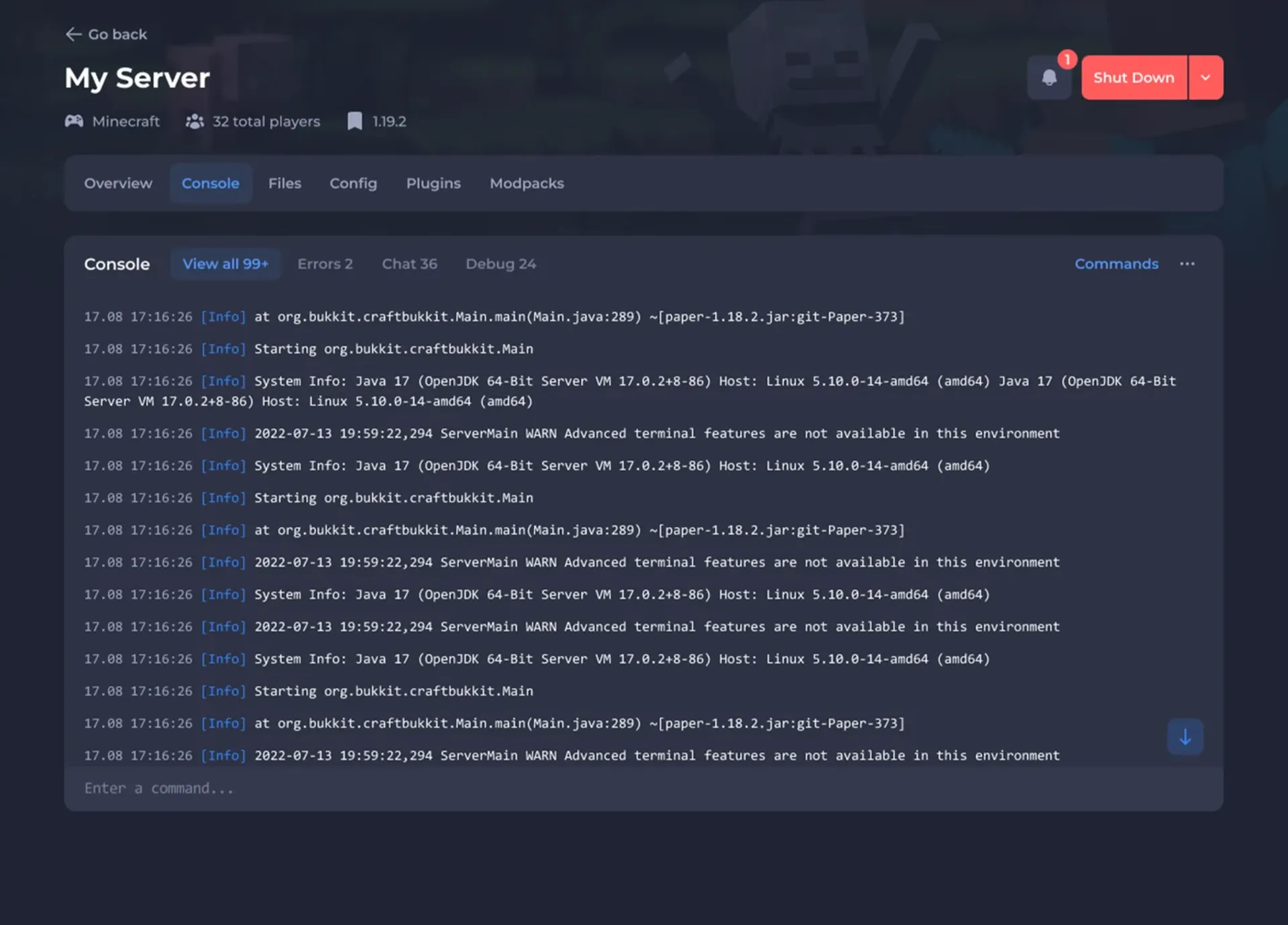
SparkedHost pairs aggressive pricing with genuinely modern hardware — Ryzen processors and NVMe storage — which matters a lot for Palworld. Their custom Apollo panel is fast, includes one-click Palworld mod installation, and the 24/7 support consistently earns strong Trustpilot reviews. If you want the best balance of price, performance, and ease of use, this is our pick for 2026.

✅ Pros
- Excellent price-to-performance ratio
- Ryzen + NVMe hardware across plans
- Modern, fast Apollo control panel
- One-click Palworld mod support
- Strong support reputation
❌ Cons
- Fewer data center locations than larger hosts
- No lifetime money-back guarantee
#2 Pick: Shockbyte — Best for Quick, Simple Setup
Shockbyte
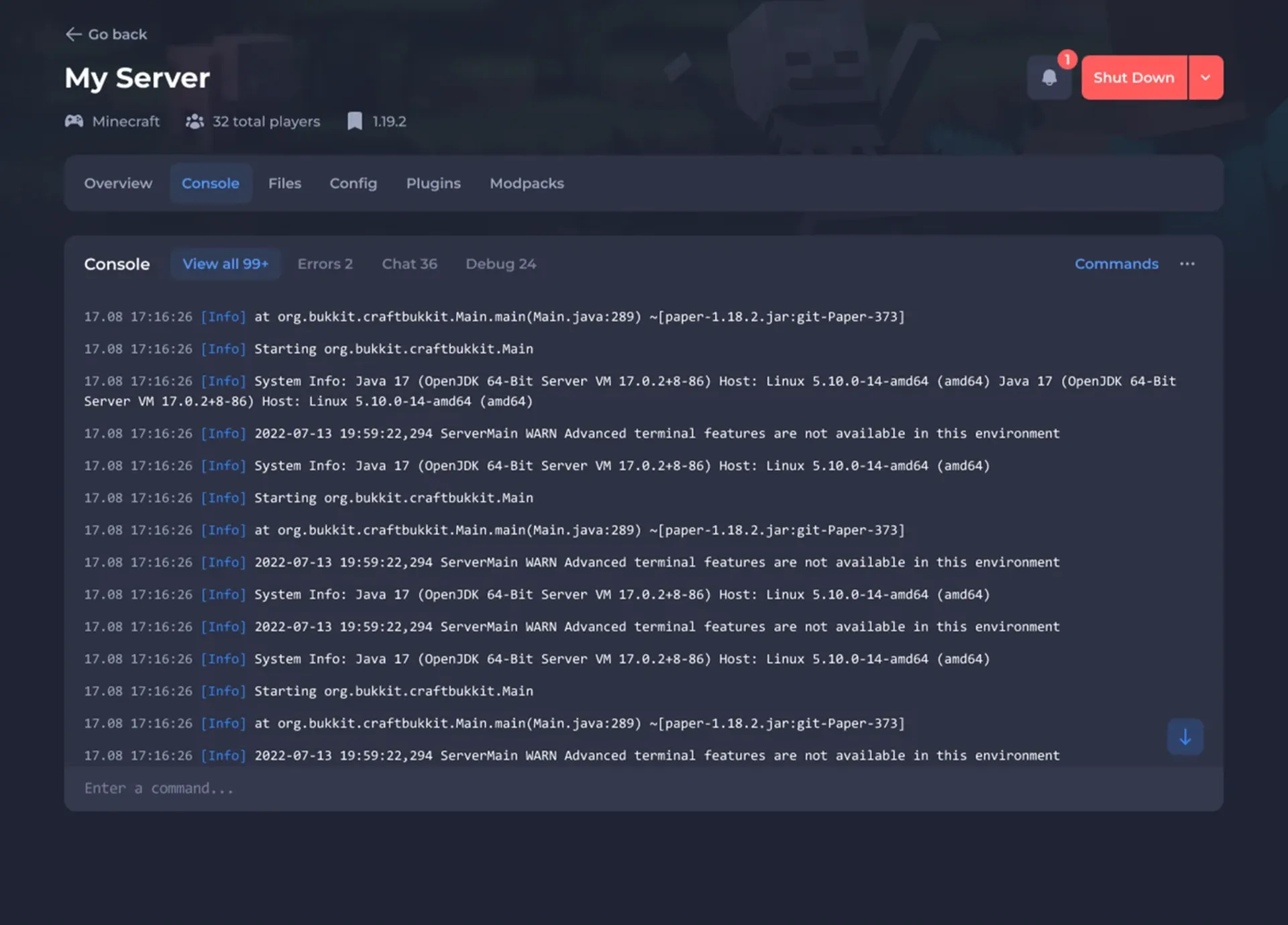
Shockbyte adds Palworld to its massive 30+ game library and provisions servers in under a minute. Its custom panel is the most beginner-friendly of the three, and plans run on NVMe SSDs with modern EPYC processors. It’s a dependable choice if you want zero-friction setup and don’t need heavy customization.

✅ Pros
- Genuinely instant setup
- Supports 30+ games on one account
- Very beginner-friendly panel
- NVMe + modern EPYC hardware
❌ Cons
- Panel lacks advanced power-user features
- Limited, restrictive refund policy
#3 Pick: HostHavoc — Best for Customization
HostHavoc
HostHavoc has been a quiet favorite among survival-game admins for years, offering highly customizable plans, strong DDoS protection, and reliable uptime. If you want fine control over your Palworld server’s resources and config, HostHavoc is a dependable third option worth comparing.
✅ Pros
- Highly customizable plan options
- Strong DDoS protection included
- Reliable uptime reputation
- Good range of locations
❌ Cons
- Control panel less modern than rivals
- Not the cheapest entry price
How Much RAM Does a Palworld Server Need?
Palworld is one of the more demanding survival games to self-host. For a small private server with 1–4 players, 4GB of RAM is a workable minimum. For 8+ players or a heavily built base with many pals, we strongly recommend 8GB or more — Palworld’s world state can balloon in memory as bases grow, and running out of RAM causes the dreaded server stutter and crashes.
How to Set Up a Palworld Dedicated Server
- Order a Palworld plan from your chosen host (4GB minimum, 8GB recommended).
- Let the server provision — most hosts do this in under a minute.
- Join from Palworld: select Multiplayer → Join Multiplayer and enter your server’s IP and port.
- Share the connection info with your friends, or set it up via the community server list.
- Tweak the config file (world options, difficulty, player limit) from your host’s panel.
Frequently Asked Questions About Palworld Hosting
No more than other survival games. Expect roughly $8–15/month for a 4–8GB plan depending on the provider. Going below 4GB is false economy — you’ll spend more time fighting crashes than playing.
Yes, if your PC has 16GB+ RAM and a fast CPU, and you’re comfortable with port forwarding and uptime. A dedicated host is far more convenient and reliable for playing with friends long-term.
Yes — Palworld has a growing mod scene, and providers like SparkedHost and Shockbyte offer one-click mod installation or at minimum full file/FTP access to install mods manually.
Palworld benefits most from fast single-thread performance, so current-gen Ryzen or EPYC processors paired with NVMe storage are ideal. All three providers above use modern hardware.
Final Verdict
Which Palworld Host Should You Choose?
SparkedHost is our top pick for 2026 — the best blend of performance, price, and a modern panel. Choose Shockbyte if you want the simplest, fastest setup with 30+ games on one account, and HostHavoc if you want maximum control over your server config.
Whichever you pick, get at least 4GB of RAM (8GB ideally) and choose a data center close to your players. Prices and promotions change often, so confirm the current offer on the provider’s site before you buy.